The page loads in small pieces
New ads appear only when you reach the bottom. A large result means scrolling, waiting and scrolling again.

Coming soon.
We are building the next-generation Chrome extension for the Facebook Ads Library. Want to hear from us when we launch?
Privacy PolicyThe Ad Library loads ads a few at a time as you scroll. For a competitor with hundreds of ads, that is a long evening with the mouse wheel. AdVantage Scope scrolls the page itself and turns every loaded ad into a card you can filter.
The ads you never scroll to are the ones you never compare.
New ads appear only when you reach the bottom. A large result means scrolling, waiting and scrolling again.
Scrolling by hand gets tiring long before the list ends, so research is often based on the first screens only.
When the page stops loading, it is not clear whether you reached the end or the page is just slow.
The ads are the same; only the scrolling changes hands.
Long results are rarely read to the end.
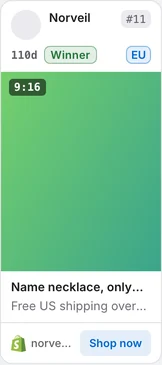
Press Auto Scan in the side panel. The page scrolls on its own, every new ad becomes a card with its days running and stage, and the scan stops at your limit or at the end of the results, with a short sound.
Every setting below is in the side panel's Auto Scan section.
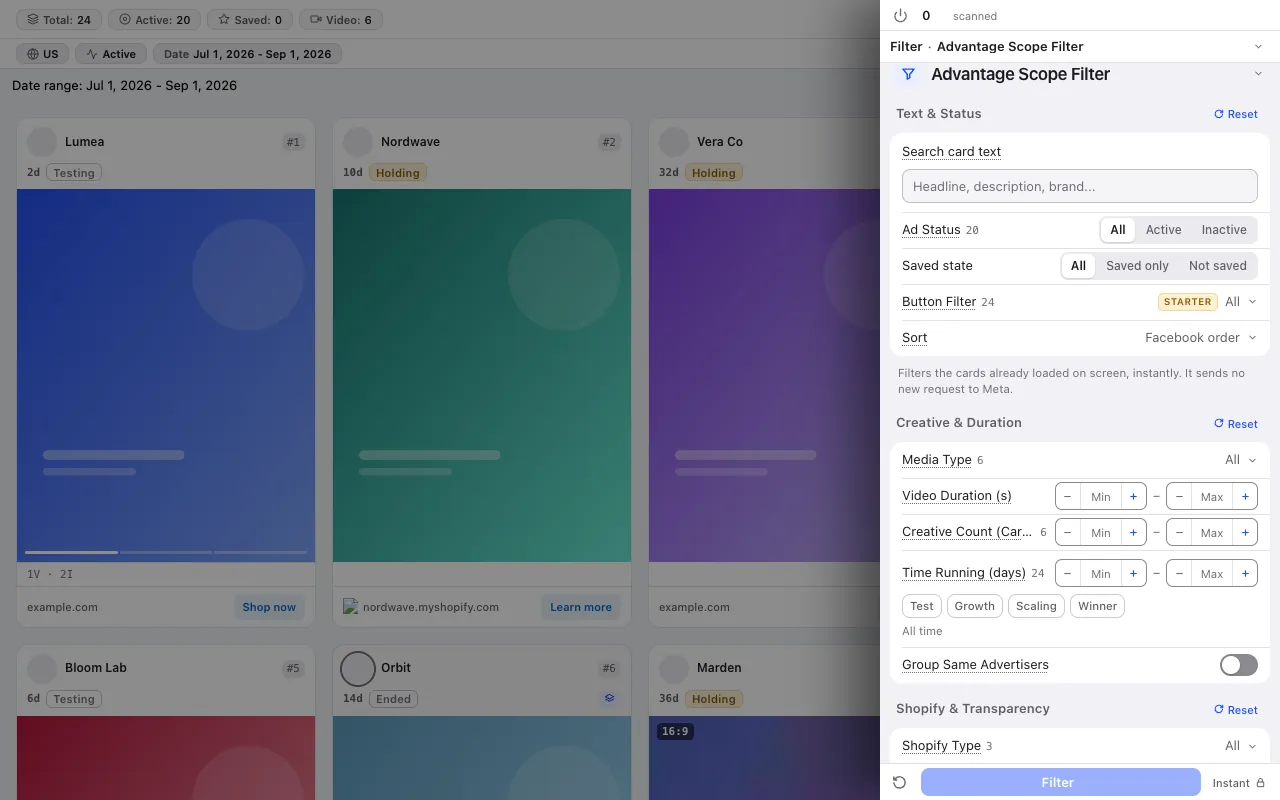
Set how many cards to scan. In Total mode the limit counts every scanned card; in Filter mode it counts only the cards that pass your filter, so a Shopify-only filter keeps scanning until it has found that many Shopify ads.
Choose Slow, Medium or Fast. Gentle Scan adds random waits between scrolls. The wait setting is how long the scan waits at the bottom for new ads before it decides the results have ended.
The scan stops when the card limit is reached, when the results end, when your plan's scan limit is used up or when you stop it. The notification sound tells you it is done.
The cards stay usable during the scan.
Each loaded ad becomes a compact card with days running, stage and variation count. You can read the first cards while the scan continues.
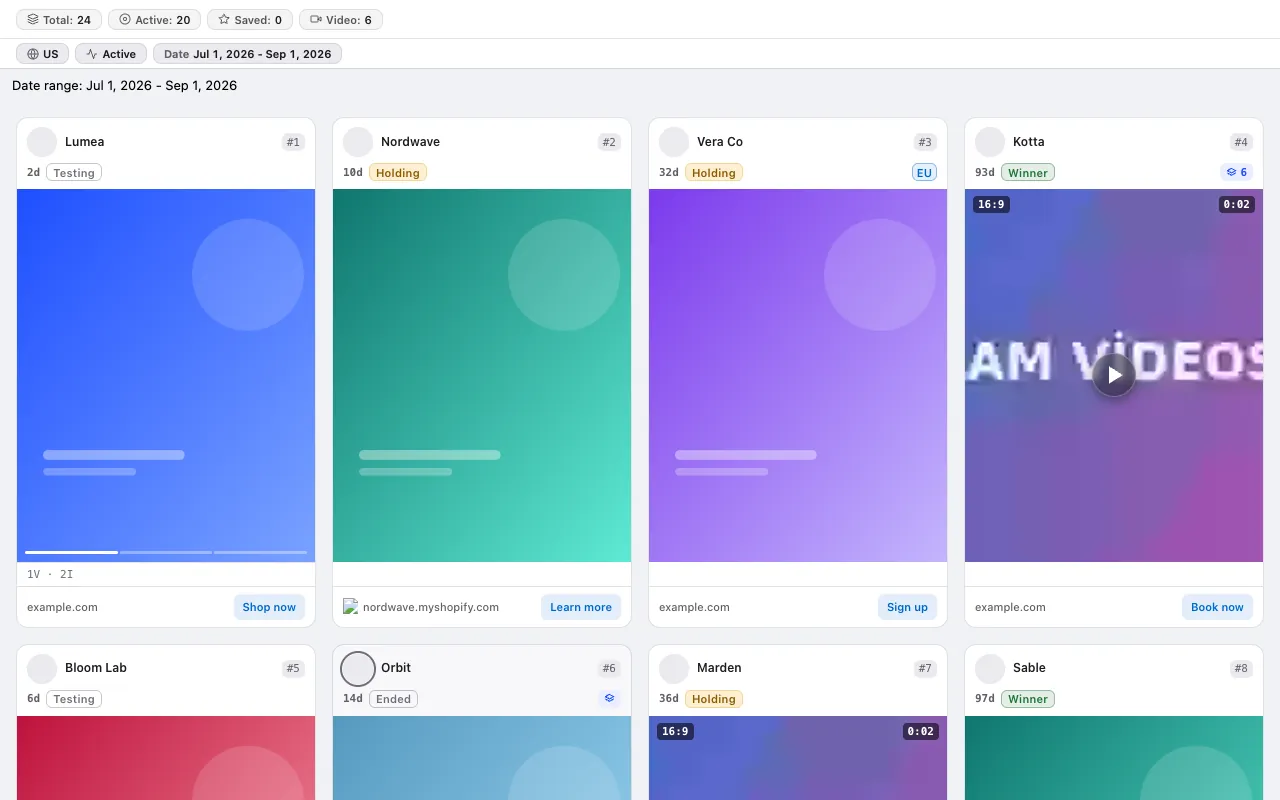
Your card filters also apply to the ads that arrive during the scan, so the screen only fills with the ads you asked for.
An ad that was already scanned is not counted again in the same window, and the ads already on the page when you open the extension are not counted at all. Pausing and resuming a scan is part of the Pro plan.
No credit system: every plan has a fixed scan limit. The free plan asks for no card. Compare plans
For the step-by-step method, read the guide: How to find long-running ads in the Meta Ad Library · How to use the Meta Ad Library (and why most people use it wrong) · How to see all of a competitor's ads in the Meta Ad Library
The free plan asks for no card and no Facebook login.
Press the link in the email we sent to start your subscription. You can unsubscribe at any time with the link in every email.