The decline is slow and noisy
Daily metrics jump around. By the time you are sure a creative is worn out, weeks have usually passed.

Coming soon.
We are building the next-generation Chrome extension for the Facebook Ads Library. Want to hear from us when we launch?
Privacy PolicyIn your own account fatigue arrives slowly and gets noticed late. In a competitor's library, switching an ad off is a visible event. AdVantage Scope writes that event on every card.
When the click rate drops slowly, it is easy to blame the budget, the season or the competition. Without an outside measure to compare with, a creative's lifespan stays a guess.
Daily metrics jump around. By the time you are sure a creative is worn out, weeks have usually passed.
The library shows when an ad started, but not how many days it has lived and when it stopped, side by side.
When an advertiser replaces a tired creative with a new one, it looks like just another card among hundreds.
Meta does not publish spend or frequency, but days running and status are measurable, and together they are the best outside sign of fatigue.
The comparison rests on screenshots from two different days.
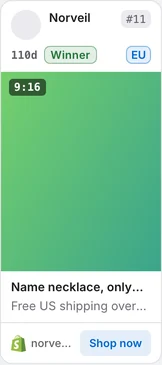
Every card shows its age and stage; an ad stopped at the same age is marked Ended. With the ad status filter and age sorting you separate ads that finished their run from those just starting.
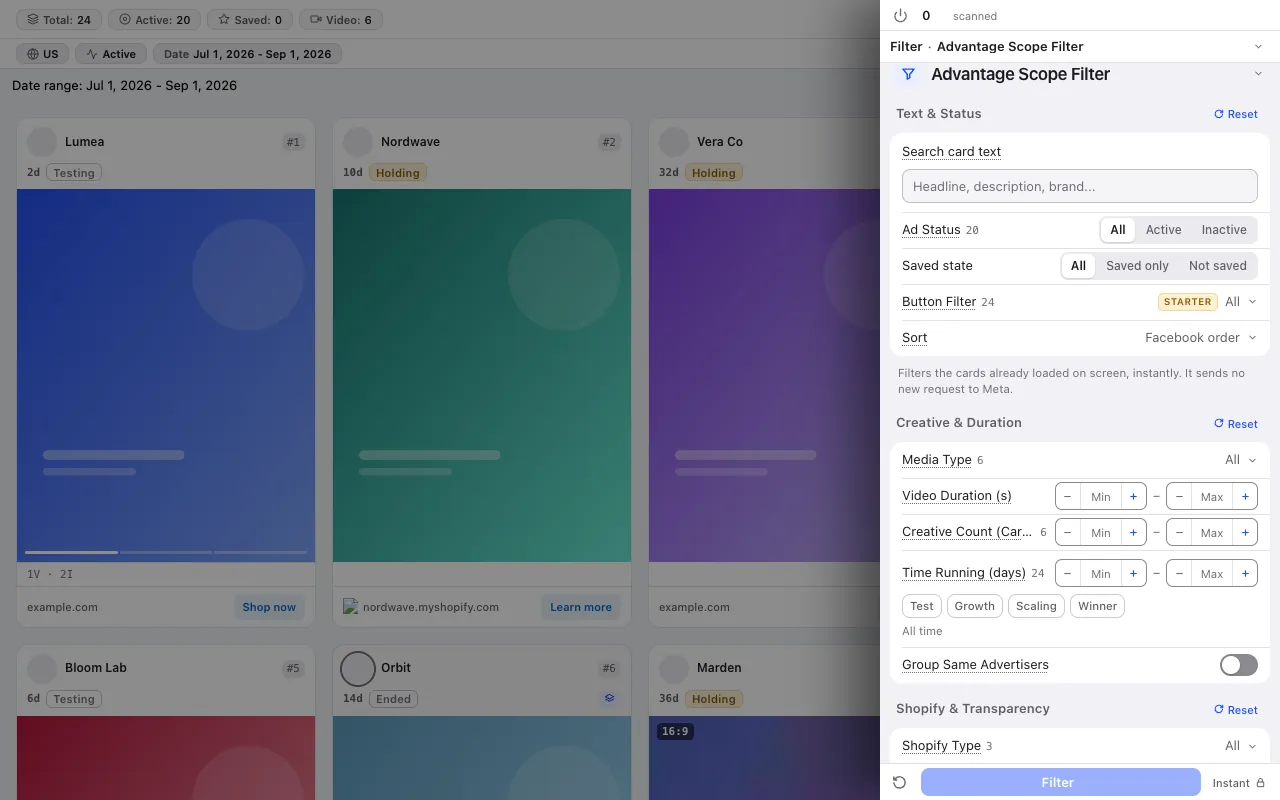
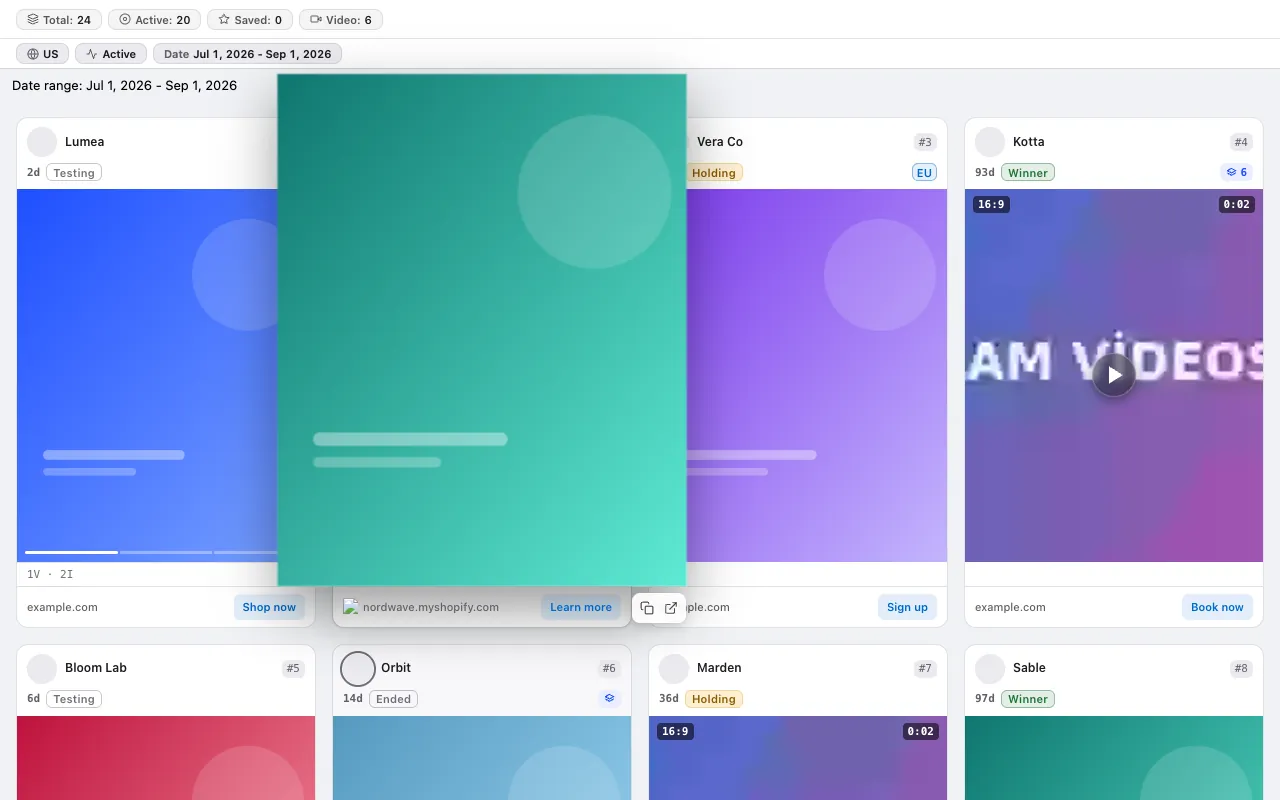
The screenshots below were taken from the extension itself, on top of the Ad Library page.
Winner means running 45 days or more and still active; an ad that reached the same age and was stopped counts as Ended. You read where a creative wore out from the badge.
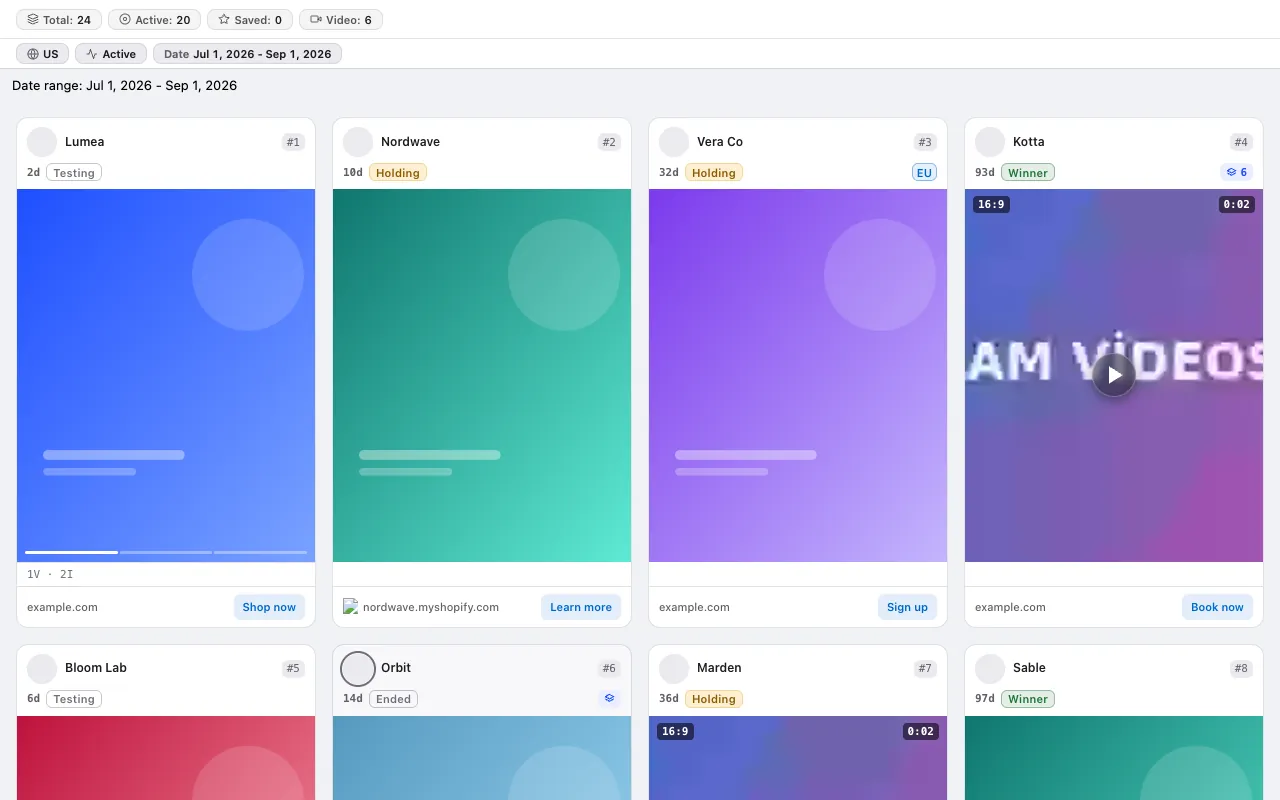
Show only active or only inactive ads, set a days-running range and filter by stage. Sort cards by the longest running or the newest.
Hover a card with the Ended badge and the creative grows while the video plays. You see what wore out and what replaced it side by side.
Fatigue is a curve, not a snapshot.
The card shows the ad's variation count. New variations for the same idea tell you the advertiser is refreshing the creative.
The Analytics tab shows the age distribution of scanned ads and freshly started creatives; this is where you read how often a category refreshes its creatives.
Keep the search as a bookmarked link and the filter set as a named preset. A few weeks later you return to the same view and compare what was stopped.
No credit system: every plan has a fixed scan limit. The free plan asks for no card. Compare plans
For the step-by-step method, read the guide: Creative fatigue: how to spot a dead ad in someone else's library · Creative refresh rate: how often competitors launch new ads, and what it tells you · Video or image ads? Measuring which format lasts longer in your category · Is a competitor scaling an ad? Reading variations
The free plan asks for no card and no Facebook login.
Press the link in the email we sent to start your subscription. You can unsubscribe at any time with the link in every email.