The library does not separate store types
One search returns hundreds of ads. To see which one goes to a product page, a blog post or an app store, you open the links one by one.

Coming soon.
We are building the next-generation Chrome extension for the Facebook Ads Library. Want to hear from us when we launch?
Privacy PolicySeparate the ads that lead to Shopify stores, bring the long-running ones to the front and watch the creative without switching tabs. Look at the products an advertiser keeps paying for instead of guessing.
The Ad Library shows every ad, but it does not tell you at a glance which one leads to a Shopify store, how long it has been running or how many variations it was tested with.
One search returns hundreds of ads. To see which one goes to a product page, a blog post or an app store, you open the links one by one.
The library only shows a start date. Keeping forty dates in your head to compare which ad has lived longer is slow and error-prone.
You jump between tabs to watch the video, check the landing page and take notes. It is easy to reopen yesterday's ad without noticing.
Meta's data does not change; how it reaches you does.
Every new search starts the same four steps over.
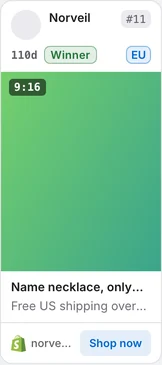
Auto Scan scrolls the page for you. Every card shows days running and a stage; the Shopify type filter separates ads that lead to product and collection pages.
The screenshots below were taken from the extension itself, on top of the Ad Library page.
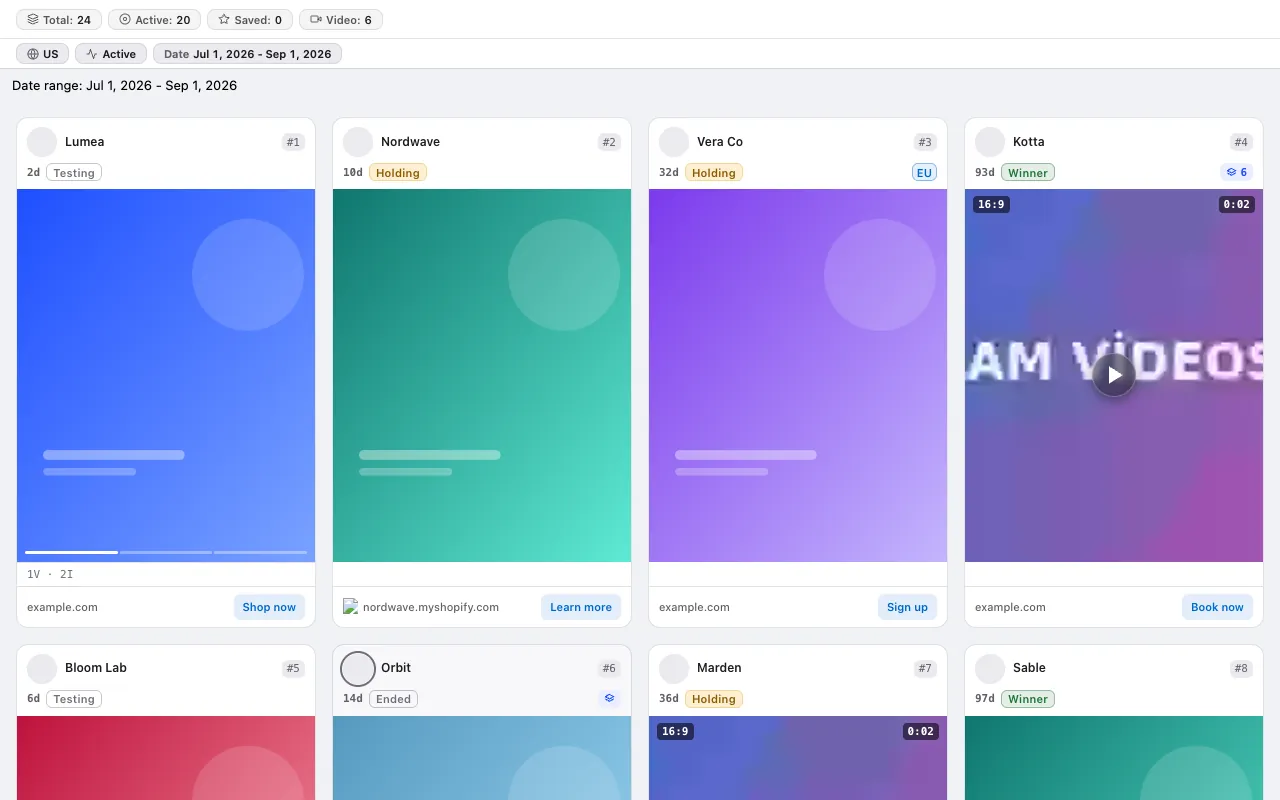
The card shows how many days the ad has been running and its stage: Test, Growth, Scale, Winner — plus a separate Ended status once it stops running. Winner means running 45 days or more and still active; a stopped ad of the same age is marked Ended instead.
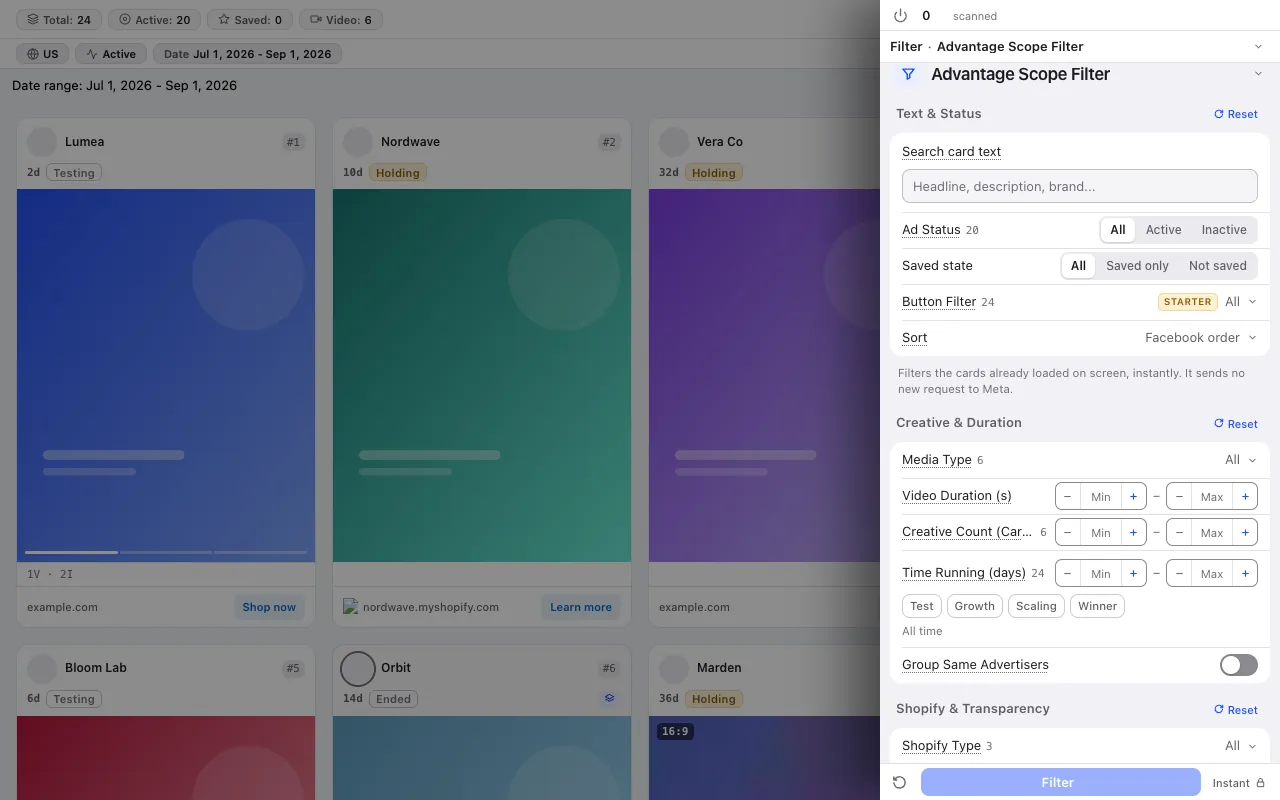
Two of the 14 card filters were written for dropshipping: Shopify type (product or collection page) and the button filter (such as Shop now). Filters apply instantly to the cards on screen and send no new request to Meta.
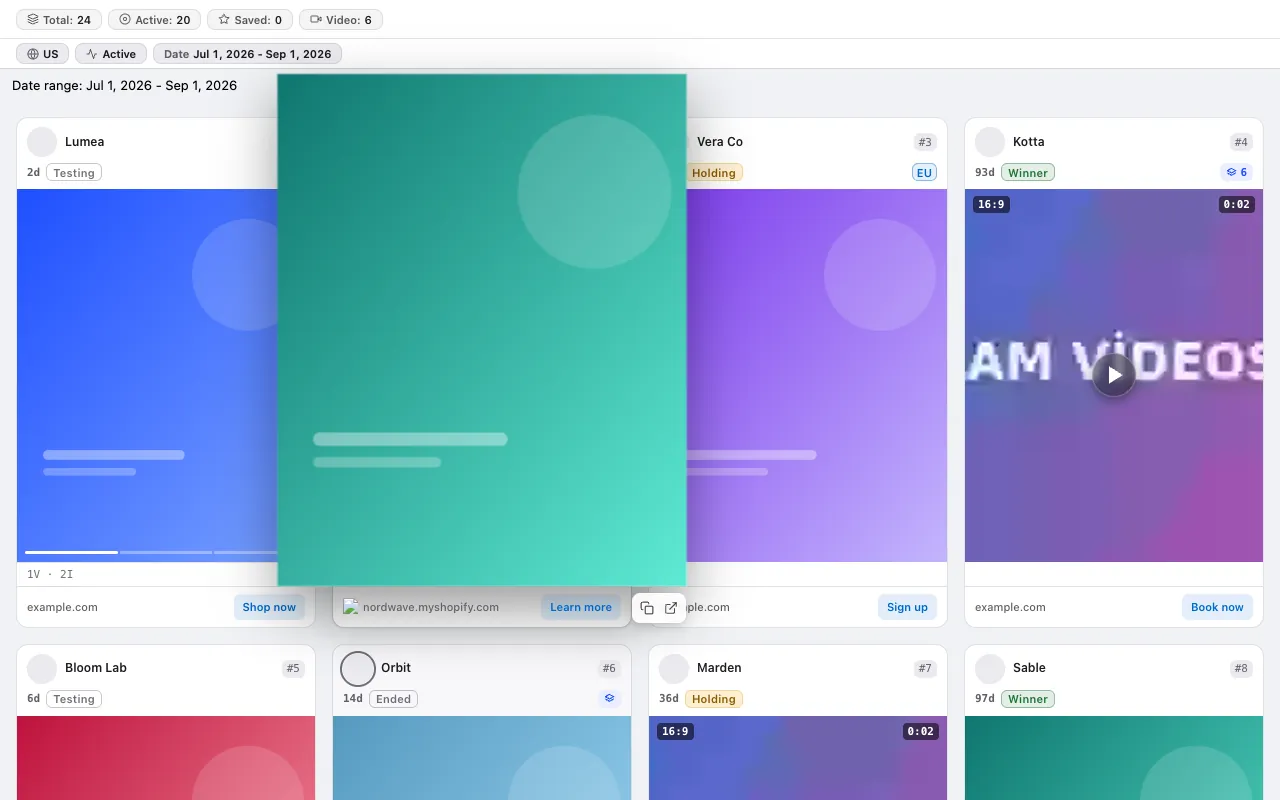
Hover a card and the creative grows to the size you picked; video plays by itself at up to 4× speed. You review a dozen videos without switching tabs.
Running for a long time is not proof on its own; read it together with these signals.
The card shows how many variations the ad runs with. An advertiser opening new creatives for the same product is investing in it. The variation range filter is in the Pro plan.
From the scanned ads it pulls the age distribution, winner and scaling candidates, price points and the five most active advertisers.
Save an ad with a double-click on the creative and show only your saved ads with the saved status filter. Export the list to Google Sheets in the Starter plan.
No credit system: every plan has a fixed scan limit. The free plan asks for no card. Compare plans
For the step-by-step method, read the guide: Competitor ad analysis: the difference between looking and measuring · Dropshipping product research in the Meta Ad Library: a checklist before you order stock · Competitor price research from Facebook ads: reading price points and offers · Black Friday ad research: reading last season's offers before you plan yours · Is this product saturated? Measuring saturation in the Ad Library
The free plan asks for no card and no Facebook login.
Press the link in the email we sent to start your subscription. You can unsubscribe at any time with the link in every email.