Search settings are scattered across the page
Country, ad type, language, platform, media and date sit in separate menus. You pick the same settings again for every new search.

Coming soon.
We are building the next-generation Chrome extension for the Facebook Ads Library. Want to hear from us when we launch?
Privacy PolicyThe Meta Ad Library is public and free, but a search result is long, tiring to scroll and crowded with cards. AdVantage Scope works on top of the same page and makes the result readable.
The library was built as a record, not as a research tool. You find what you search for; comparing, filtering and coming back is left to you.
Country, ad type, language, platform, media and date sit in separate menus. You pick the same settings again for every new search.
You scroll down again and again to see the whole result. Keeping track of how many ads loaded and which ones you already saw is hard.
Meta's filters narrow the search, not the cards on screen. There is no way to show only videos, only active ads or only Shopify stores.
AdVantage Scope does not change Meta's page; it adds a panel and a card layer on top of it.
The next day the same search starts the same steps again.
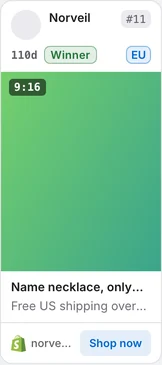
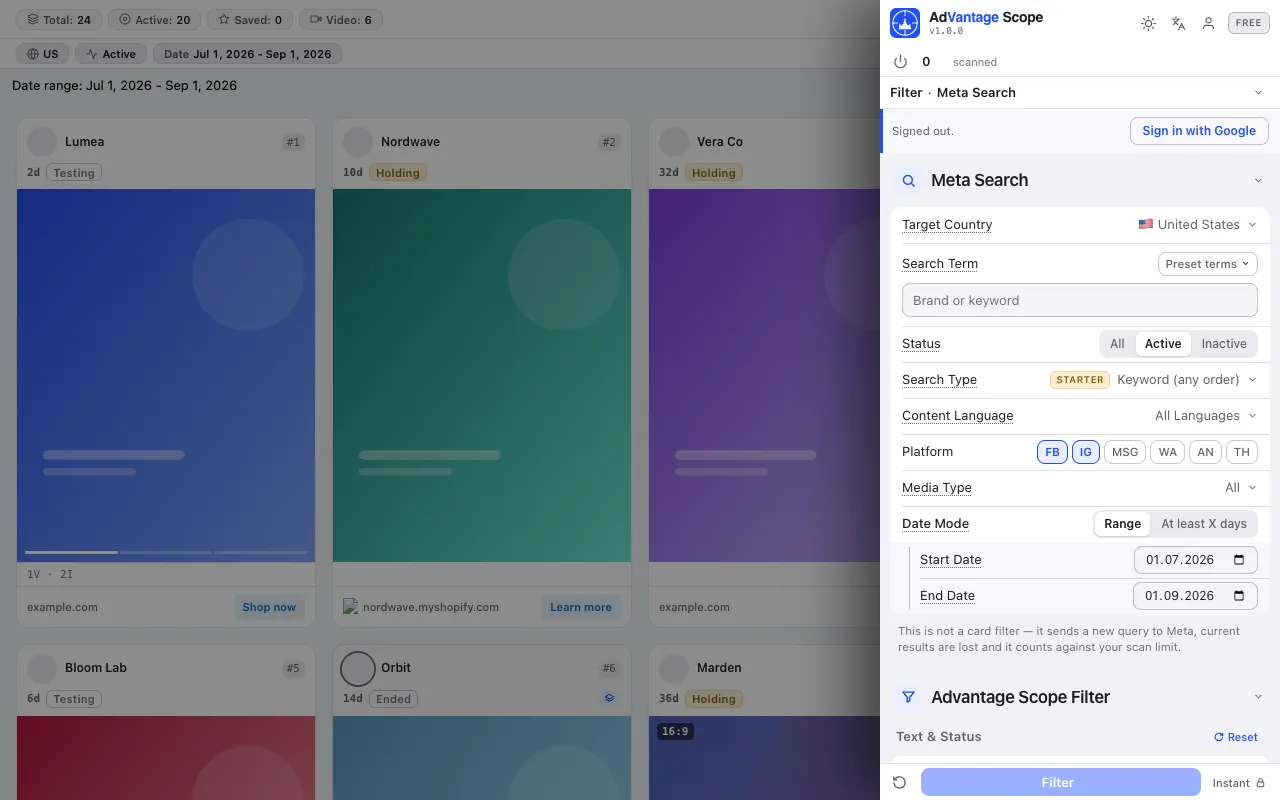
Search settings live in the side panel, in one list. Auto Scan loads the results for you; cards become compact, age and stage are written on the card, and filters apply instantly to the cards on screen.
The screenshots below were taken from the extension itself, on top of the Ad Library page.
Target country, search term, status, content language, platform, media type and date in one list. Search type (exact phrase or keywords) is in the Starter plan. The library keeps the search in its address, so a bookmarked link reopens it with the same settings.
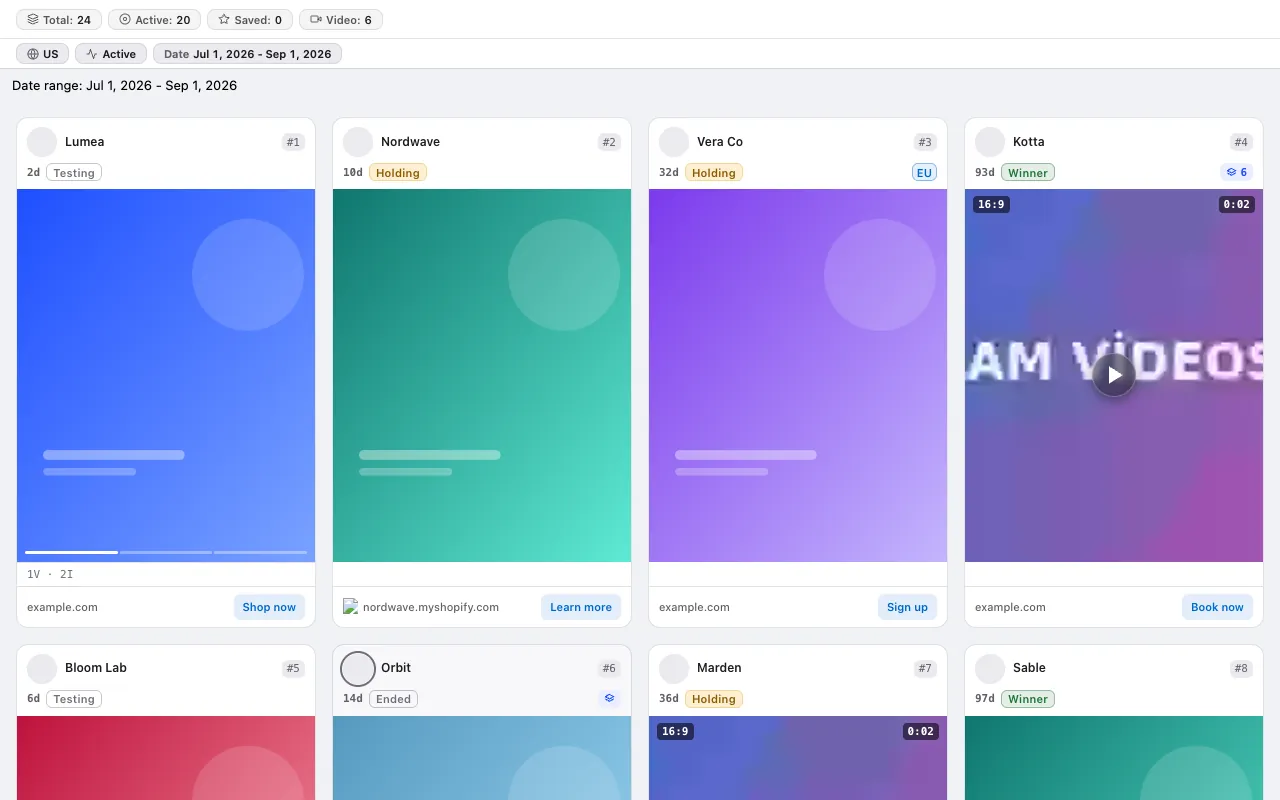
The card drops the extra rows; creative, age, stage, domain and button come forward. You pick the number of grid columns in the panel.
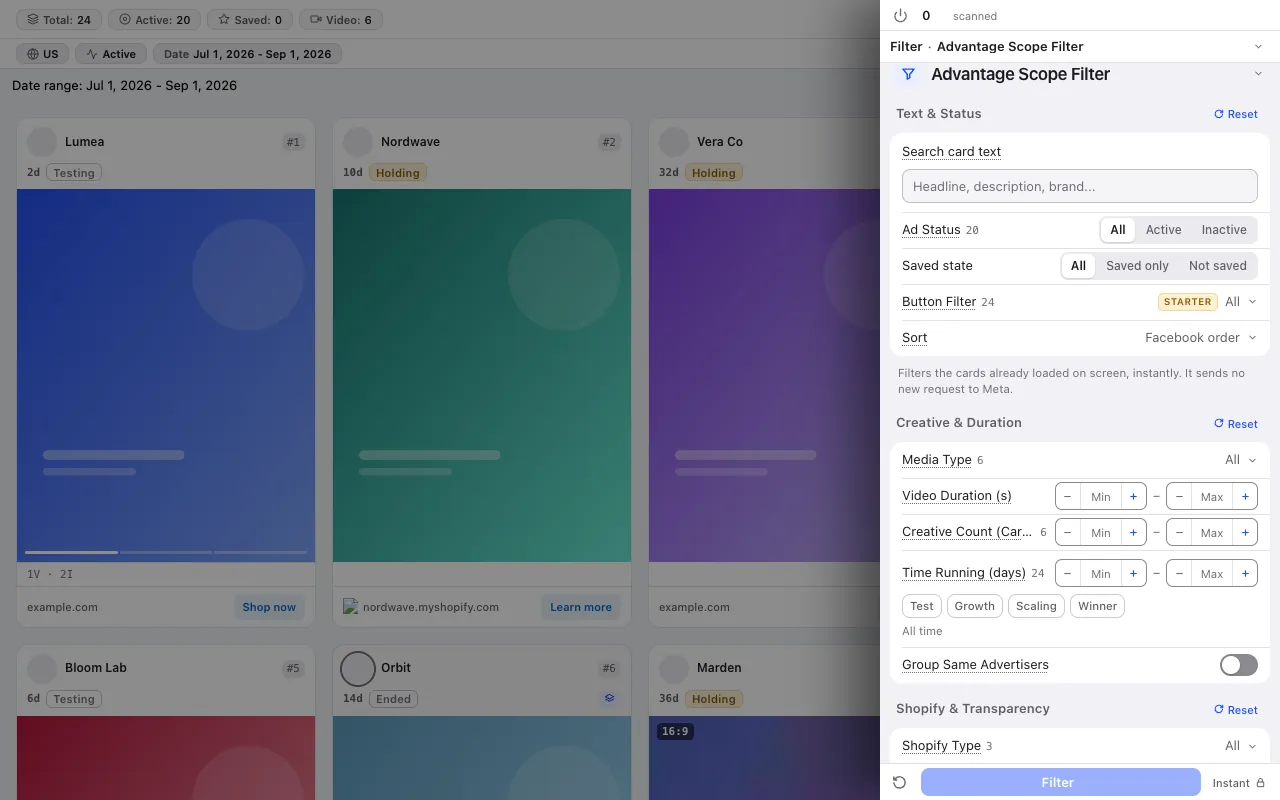
14 card filters: text search, ad status, saved status, button, media type, video length, creative count, days running, stage, advertiser grouping, Shopify type, EU transparency and more.
Auto Scan is not a single button but a process with settings. All of them: Meta Ad Library auto scroll.
You decide how many cards to collect: in total or only cards that match your filters. When the limit is reached the scan stops and, if you like, tells you with a sound.
Pick the scroll speed and the longest wait; a random pause between scrolls can be added.
Scanned ads are kept by their ID; the counter counts each ad once.
No credit system: every plan has a fixed scan limit. The free plan asks for no card. Compare plans
For the step-by-step method, read the guide: How to use the Meta Ad Library (and why most people use it wrong) · How to find long-running ads in the Meta Ad Library · Filtering the Meta Ad Library: six filter presets and when to use each one · How to see a competitor's Instagram ads · Comparing Facebook ads across countries
The free plan asks for no card and no Facebook login.
Press the link in the email we sent to start your subscription. You can unsubscribe at any time with the link in every email.