Copying takes longer than reading
Brand, landing link, start date: every field is a separate copy and paste, and days running has to be counted from the start date by hand.

Coming soon.
We are building the next-generation Chrome extension for the Facebook Ads Library. Want to hear from us when we launch?
Privacy PolicyIn the Ad Library every ad is a card on a web page. AdVantage Scope writes the ads you pick, or every ad card on the page, as rows in a spreadsheet in your own Google account.
Reading ads in the library is easy. Keeping them, comparing them next month or sharing them with a team is where the time goes.
Brand, landing link, start date: every field is a separate copy and paste, and days running has to be counted from the start date by hand.
You cannot sort cards by days running or group them by domain on the page. For that the ads have to be in a table first.
When you repeat the research, the new list is built from zero and old and new rows are hard to tell apart.
The data is the same; what changes is who copies it into the table.
One search can take an afternoon, and the rows only hold what you had time to copy.
Connect your Google account once and create a spreadsheet from the side panel. Then send the ads you saved, every ad card on the page, or a single ad with a double-click. New rows are added below the old ones.
The columns and the buttons below are the extension's own; the spreadsheet is in your Google account.
Brand, domain, button (CTA), days running, landing URL, Shopify type and the date the row was sent. The header row is written only when the sheet is empty; every send adds rows at the end.
Send the ads you saved, send every ad card on the page after an Auto Scan, or double-click a creative to send just that ad. You choose what a double-click does in the settings: save, send to spreadsheet or off.
Turn on "Auto-send when an ad is saved" and every ad you save joins a queue that is written to the sheet in one batch each minute, with no extra click.
"Send every ad on the page" takes every card the extension has processed, including the ones your card filters hide. To send only a selection, save the ads you want and send the saved list.
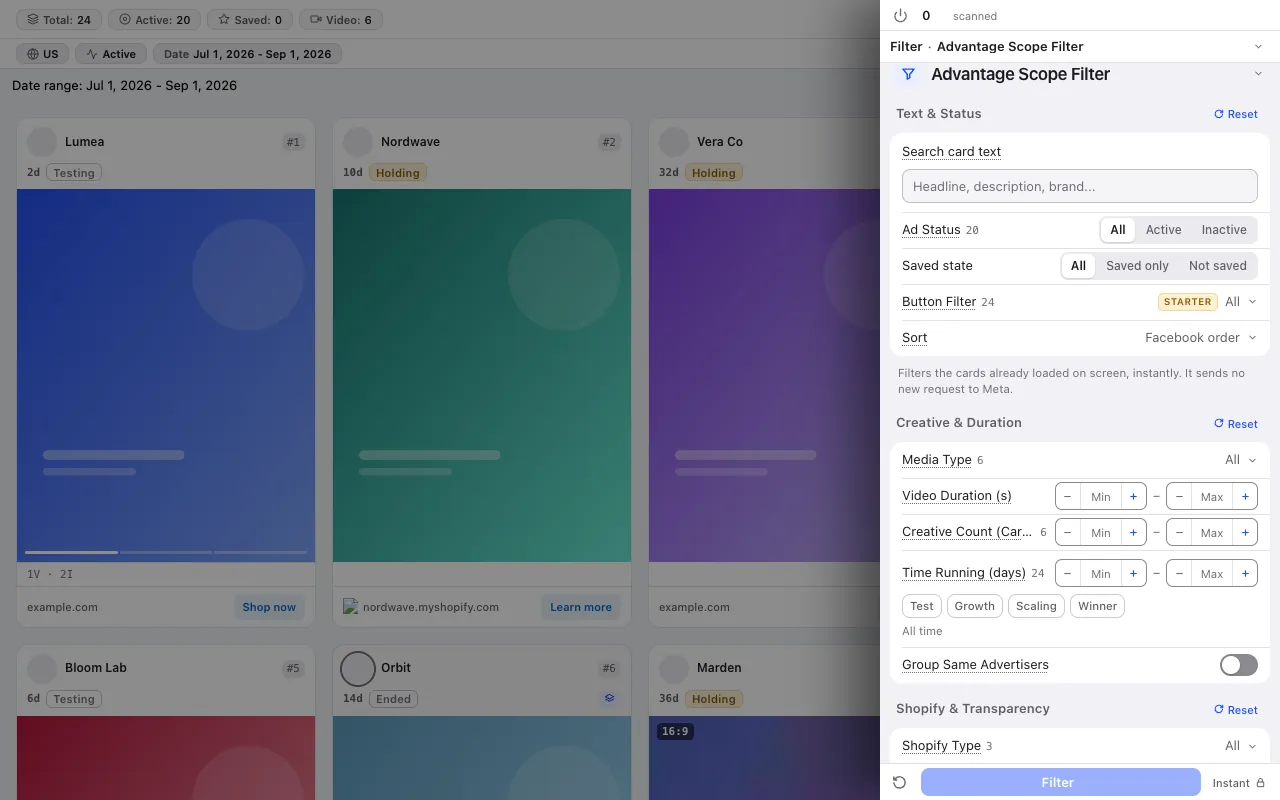
Filter the cards by status, button, media, days running, stage or Shopify type; what remains on the screen is the short list worth saving.
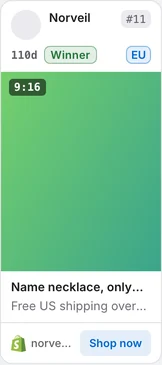
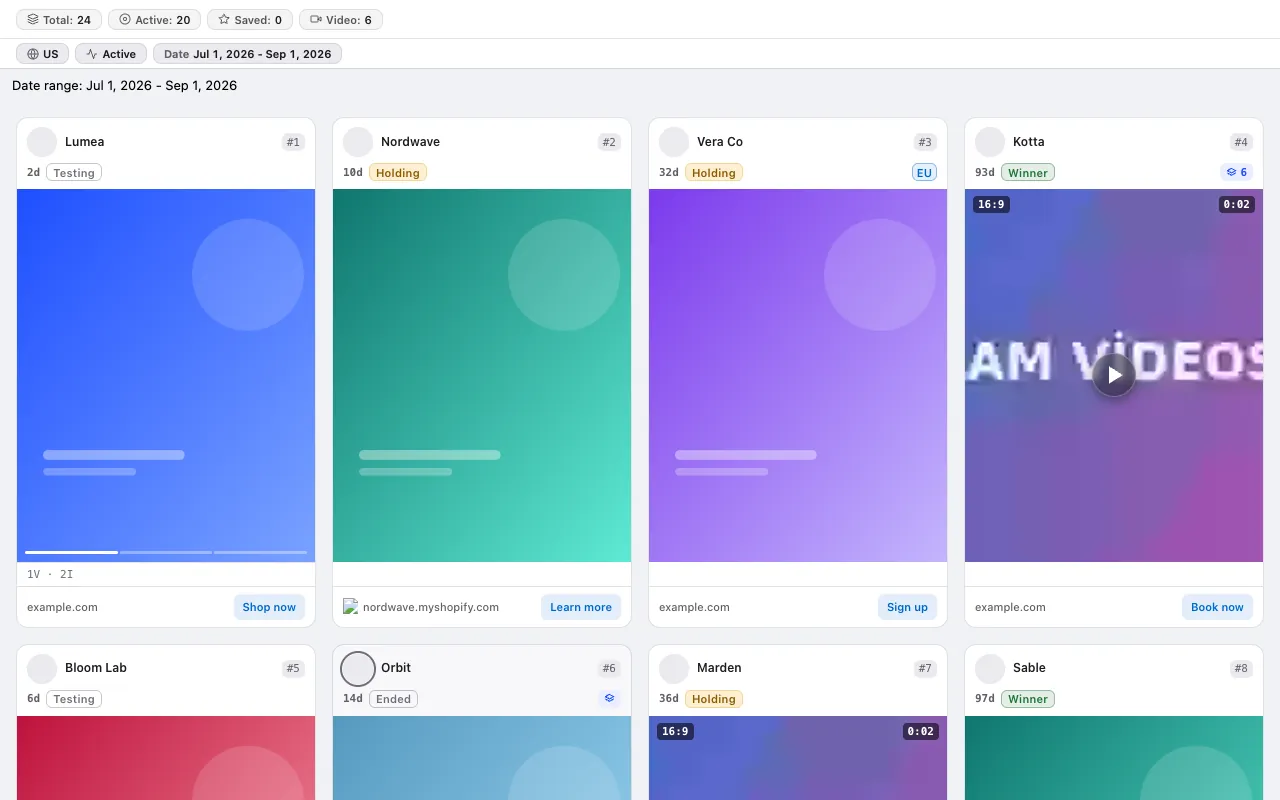
Every card shows how many days the ad has been running and its stage. The same days running number goes into the spreadsheet column, so you do not count it by hand.
The extension connects to your Google account and writes only to your own spreadsheet. The rows are not sent to us.
No credit system: every plan has a fixed scan limit. The free plan asks for no card. Compare plans
For the step-by-step method, read the guide: A monthly competitor ad report for clients: template and workflow for agencies · How to build a competitor creative swipe file you will actually use · Where do competitor ads send traffic? Collecting their landing pages in one list
The free plan asks for no card and no Facebook login.
Press the link in the email we sent to start your subscription. You can unsubscribe at any time with the link in every email.