
고객마다 검색이 따로예요
고객마다 경쟁사, 국가, 설정이 달라요. 매번 올바른 설정으로 라이브러리를 다시 맞춰야 해요.
고객마다 경쟁사 광고를 모으고, 정리하고, 보고서로 쓰는 데 매달 같은 시간이 들어요. AdVantage Scope는 모으고 정리하는 과정을 줄여 줘요. 보고서는 여러분의 스프레드시트에서, 여러분의 형식으로 만들어져요.
보고서 틀은 한 번 만들지만 데이터는 매달 손으로 모아요. 고객이 많을수록 같은 일을 더 자주 반복해요.
고객마다 경쟁사, 국가, 설정이 달라요. 매번 올바른 설정으로 라이브러리를 다시 맞춰야 해요.
고른 광고의 링크, 광고주, 날짜를 하나씩 복사해요. 복사하다 한 줄 빠뜨리기 쉬워요.
고객은 무엇이 바뀌었는지 물어요. 새 광고와 멈춘 광고를 가려내려고 예전 스크린샷을 다시 뒤져요.
보고서 형식은 여러분 것이에요. 바뀌는 건 데이터가 책상에 닿는 방식이에요.
고객마다, 매달 같은 과정이 반복돼요.
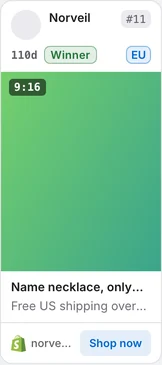
Keep every client's search as a link and its card filters as a named preset. Auto Scan collects the results, cards show age and stage, and you save the ads you pick with a double-click on the creative and export them to Google Sheets.
아래 스크린샷은 광고 라이브러리 페이지 위에서 확장 프로그램으로 직접 찍었어요.
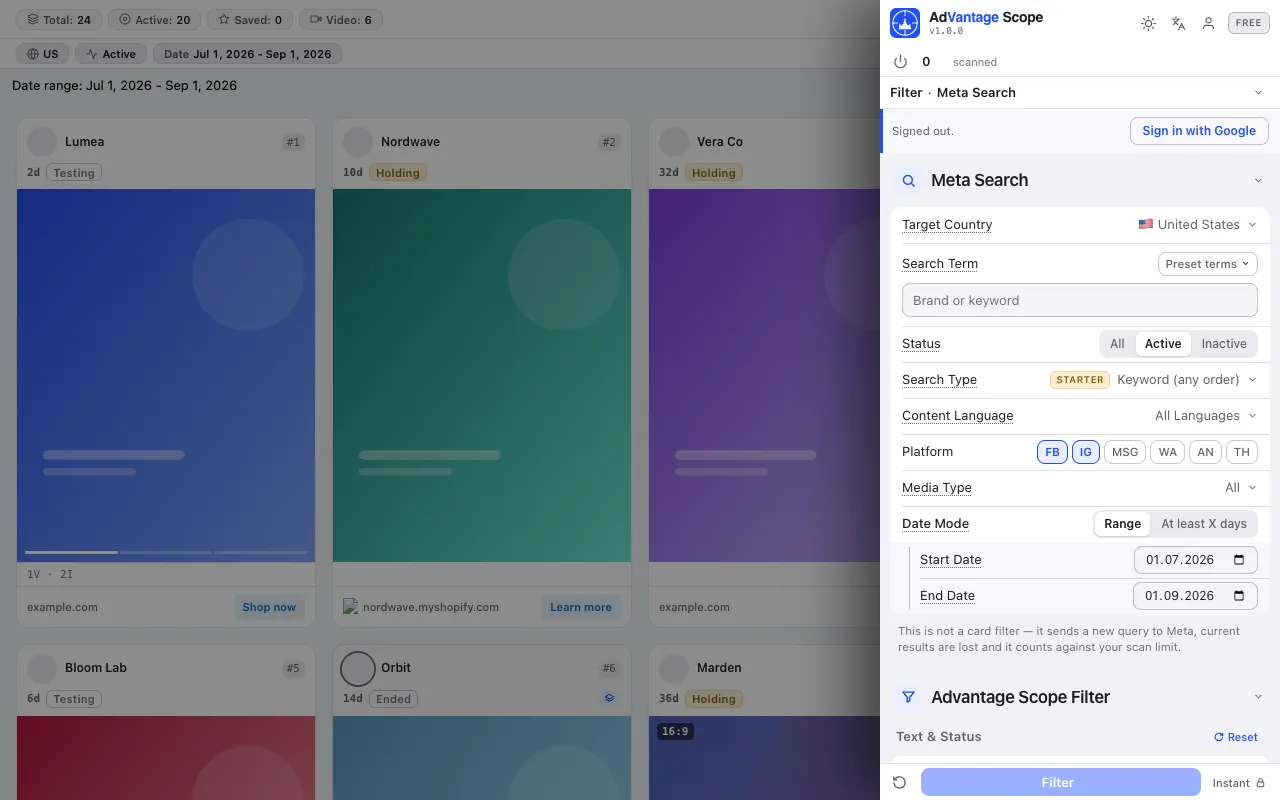
Country, term, status, language, platform, media and date in the side panel. The library keeps the search in its address: build each client's link once with our search link builder and bookmark it. Save the card filters with Save as preset under the client's name.
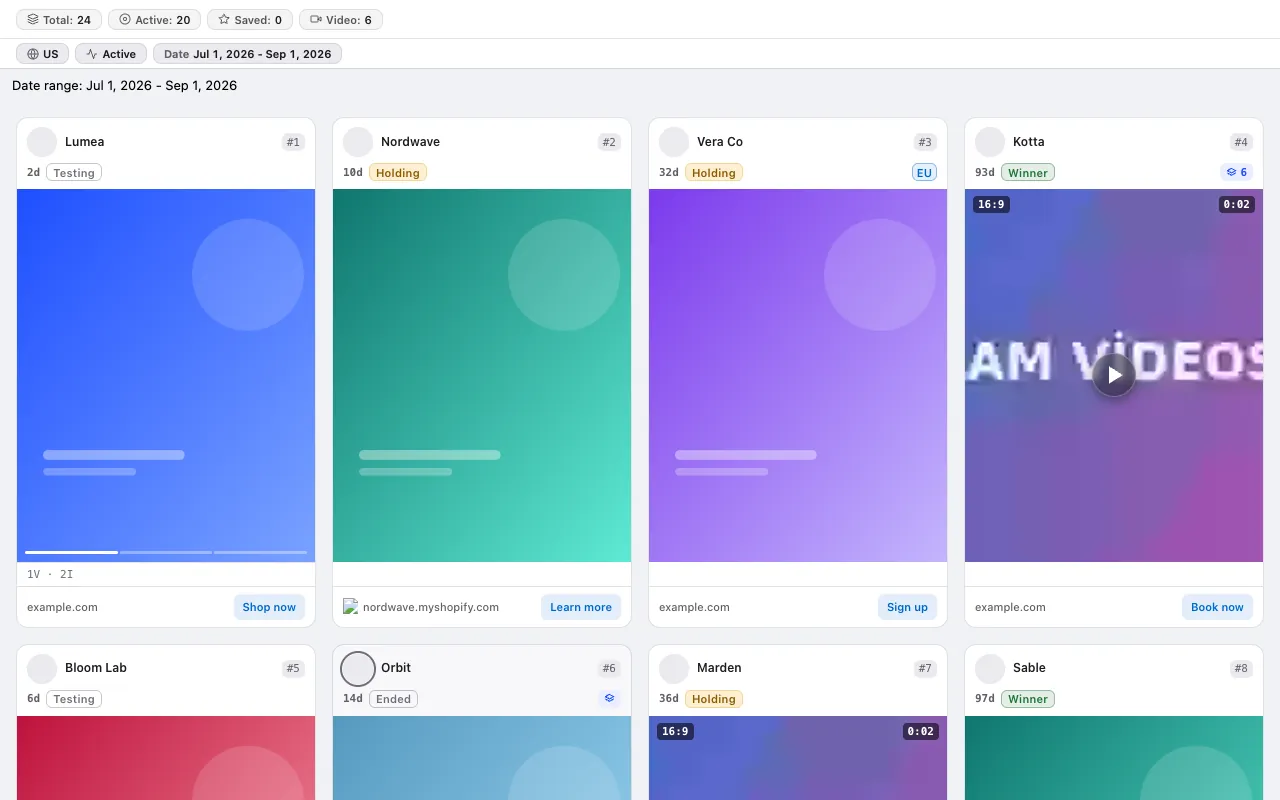
보고서의 "얼마나 오래 게재됐나"와 "베리에이션이 몇 개인가" 열이 카드에 이미 준비돼 있어요: 테스트 중, 유지 중, 위너, 종료.
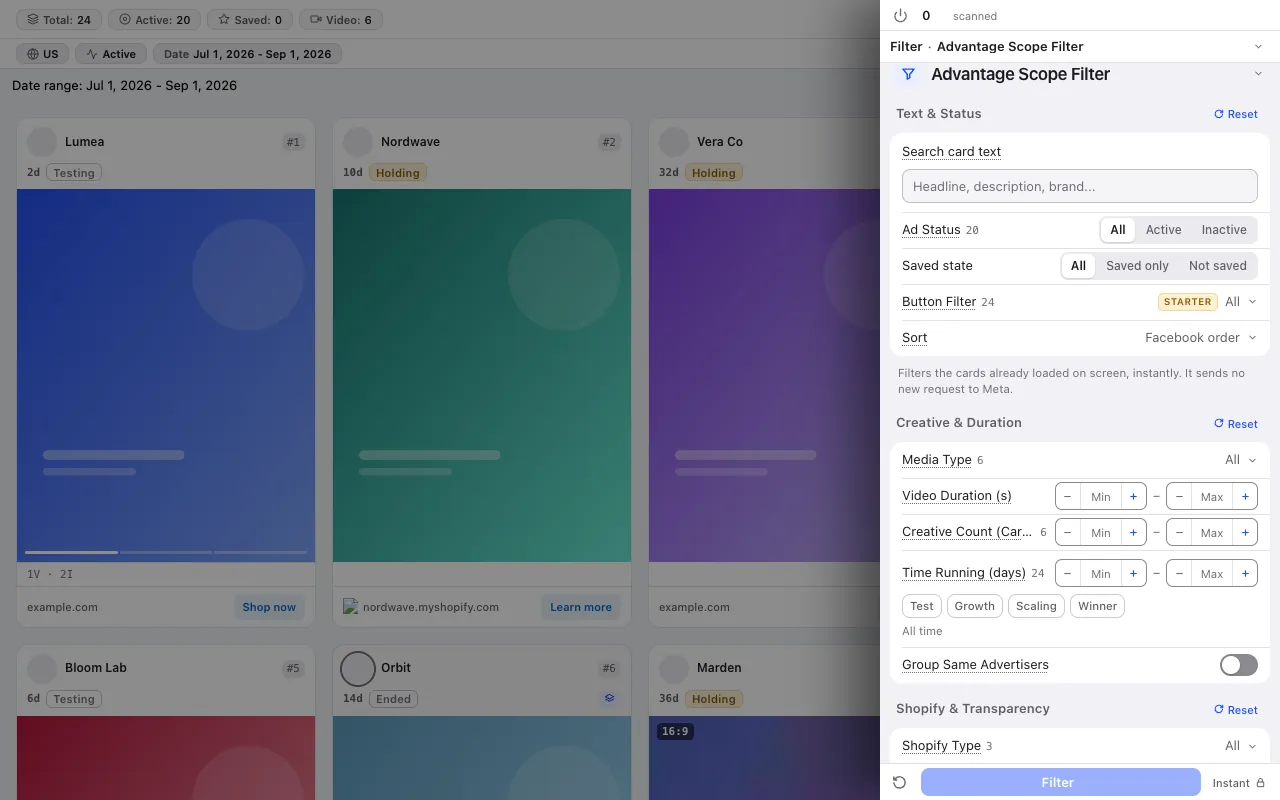
카드 필터 14개로 고객 카테고리 밖의 광고를 화면에서 빼고, 한 광고주의 카드를 한 그룹으로 접으세요.
모은 데이터는 스프레드시트로 옮겨지고, 분석은 거기서 해요.
Double-click the creative, or right-click the card and choose Save, to keep the ads that go into the report; show only saved ads with the saved status filter.
In the Starter plan you send your saved ads with one click to a new spreadsheet the extension creates in your own Google account; new rows are added under the old ones. See Google Sheets export.
분석 탭은 스캔한 광고에서 가장 활발한 광고주 5곳, 게재 기간 분포, 위너 후보를 뽑아 줘요. 보고서 요약의 출발점이 돼요.
크레딧 시스템이 없어요. 모든 요금제에 고정 스캔 한도가 있고, 무료 요금제는 카드 정보를 묻지 않아요. 요금제 비교
단계별 방법은 가이드를 읽어 보세요: A monthly competitor ad report for clients: template and workflow for agencies · The competitor ad audit that wins a pitch: a one-session method for agencies · An ad research database in Google Sheets
무료 요금제는 카드 정보도 Facebook 로그인도 요구하지 않아요.
Press the link in the email we sent to start your subscription. You can unsubscribe at any time with the link in every email.