
クライアントごとに別の検索
競合、国、設定はクライアントごとに異なります。そのたびに正しい設定でライブラリを組み直します。
クライアントごとに競合広告を集め、整理し、まとめる作業は、毎月同じだけ時間を奪います。AdVantage Scopeは収集と整理を短縮し、レポートはあなたのスプレッドシートで、あなたの形式で作れます。
レポートの型は一度作れば済みますが、データは毎月手作業で集めています。クライアントが増えるほど、同じ作業を繰り返すことになります。
競合、国、設定はクライアントごとに異なります。そのたびに正しい設定でライブラリを組み直します。
選んだ広告のリンク、広告主、日付をひとつずつコピーします。コピーの途中で行が抜けるのはよくあることです。
クライアントは何が変わったかを尋ねます。新しい広告と停止した広告を分けるために、古いスクリーンショットを探し直すことになります。
レポートの形式はあなたのものです。変わるのは、データが手元に届くまでの流れです。
同じ作業が、クライアントごと、毎月繰り返されます。
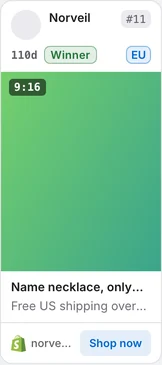
Keep every client's search as a link and its card filters as a named preset. Auto Scan collects the results, cards show age and stage, and you save the ads you pick with a double-click on the creative and export them to Google Sheets.
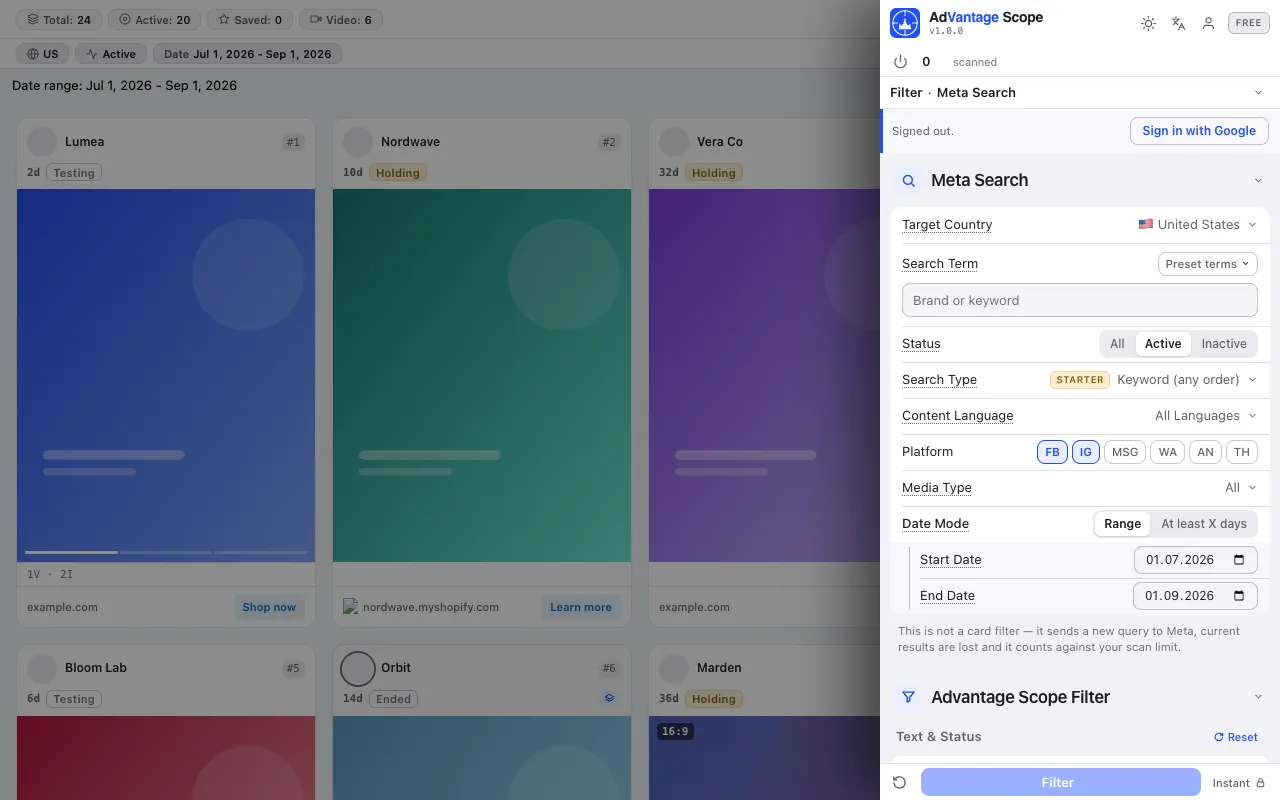
以下のスクリーンショットは、広告ライブラリのページ上で拡張機能そのものを撮影したものです。
Country, term, status, language, platform, media and date in the side panel. The library keeps the search in its address: build each client's link once with our search link builder and bookmark it. Save the card filters with Save as preset under the client's name.
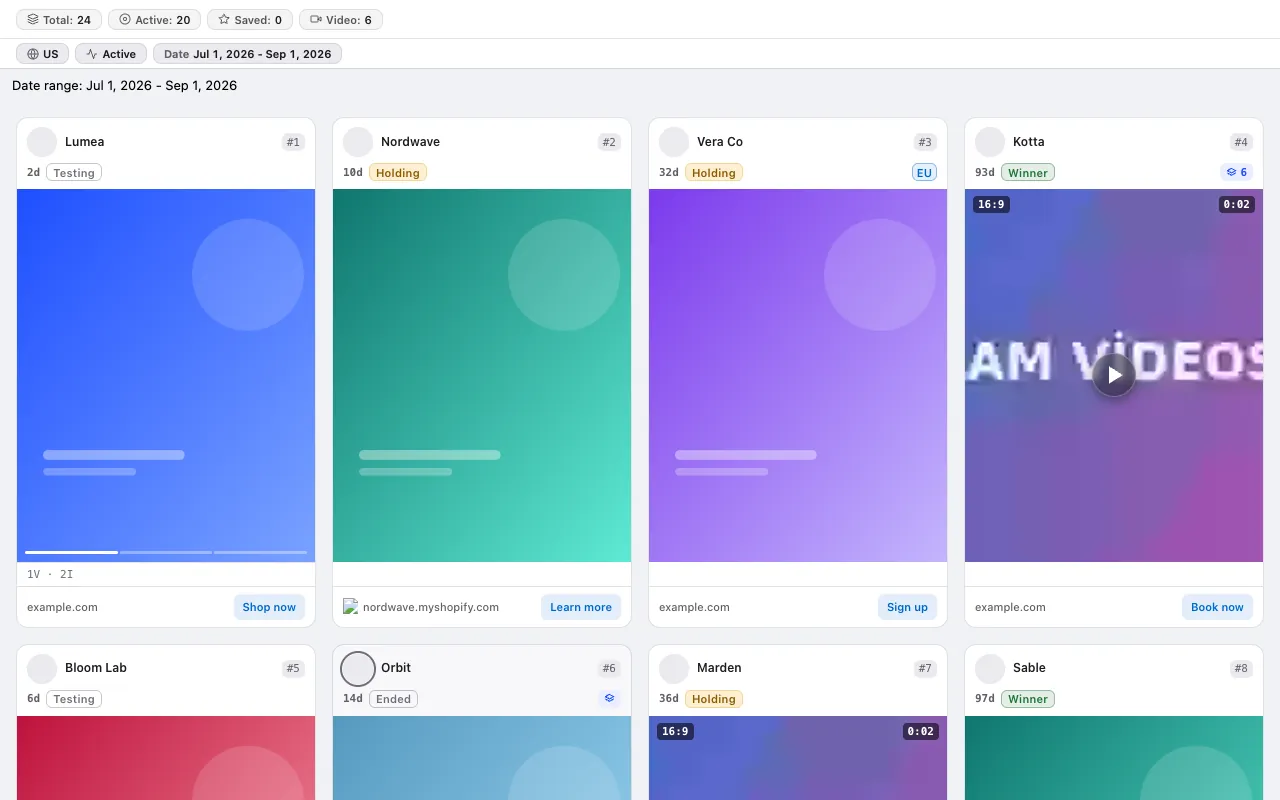
レポートの「配信期間」と「バリエーション数」の列は、すでにカード上にあります:テスト中、継続中、勝ち広告、終了。
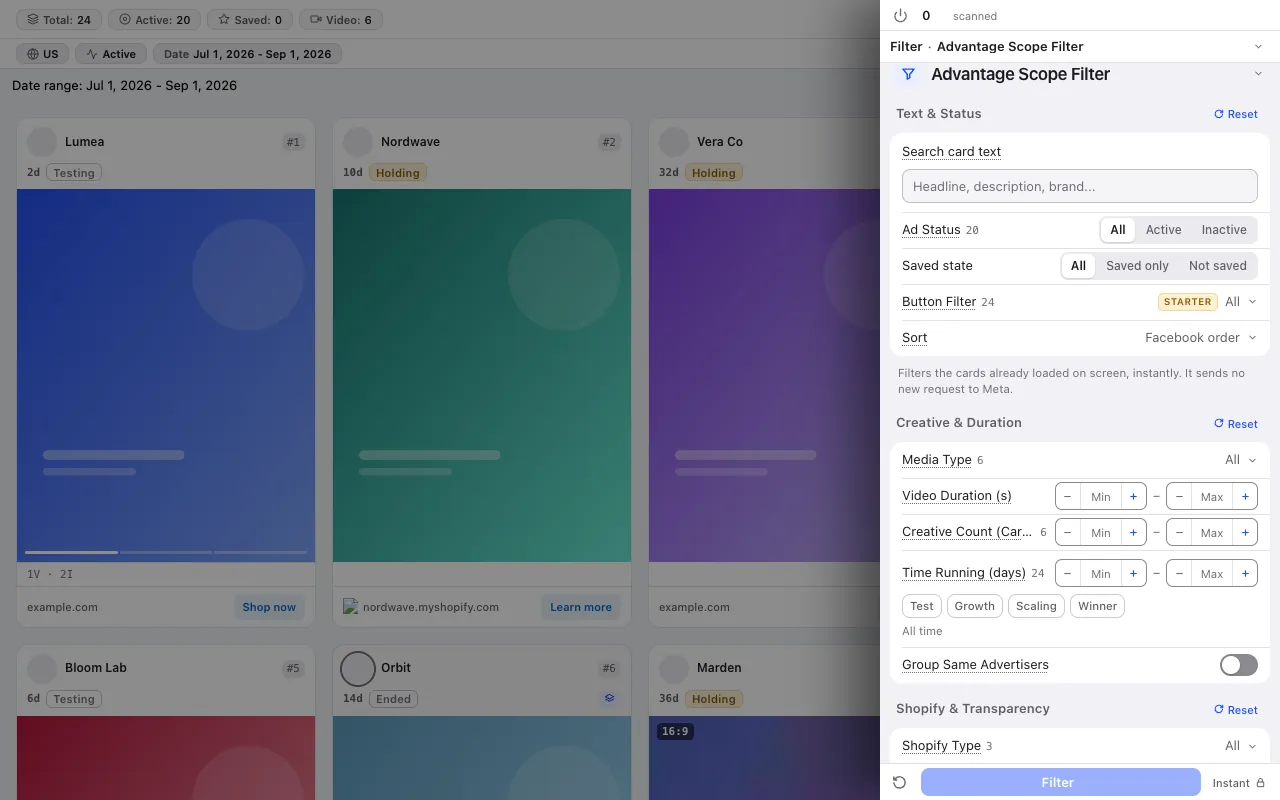
14種類のカードフィルターで、クライアントのカテゴリー外の広告を画面から外し、同じ広告主のカードをひとつのグループにまとめます。
集めたデータはスプレッドシートに移し、分析はそこで行います。
Double-click the creative, or right-click the card and choose Save, to keep the ads that go into the report; show only saved ads with the saved status filter.
In the Starter plan you send your saved ads with one click to a new spreadsheet the extension creates in your own Google account; new rows are added under the old ones. See Google Sheets export.
分析タブでは、スキャンした広告から最も活発な広告主5社、配信日数の分布、勝ち広告の候補を抽出します。レポートのサマリーの出発点になります。
クレジット制はありません。どのプランもスキャン上限は固定です。Freeプランはカード不要です。 プランを比較
手順を詳しく知りたい方は、ガイドをお読みください: A monthly competitor ad report for clients: template and workflow for agencies · The competitor ad audit that wins a pitch: a one-session method for agencies · An ad research database in Google Sheets
FreeプランはカードもFacebookログインも不要です。
Press the link in the email we sent to start your subscription. You can unsubscribe at any time with the link in every email.